
FROM FILE TO WORKSHEET. NO SIGN-IN IN BETWEEN.
Open an Excel file.
Right here in your browser.
Just need to open a spreadsheet? Choose a local Excel file and go straight to its worksheets, without installing an application.
Drop your spreadsheet here
or choose a file from your device
XLSX, XLS, XLSM & XLSB
Up to 20 MB · Processed locally in your browser
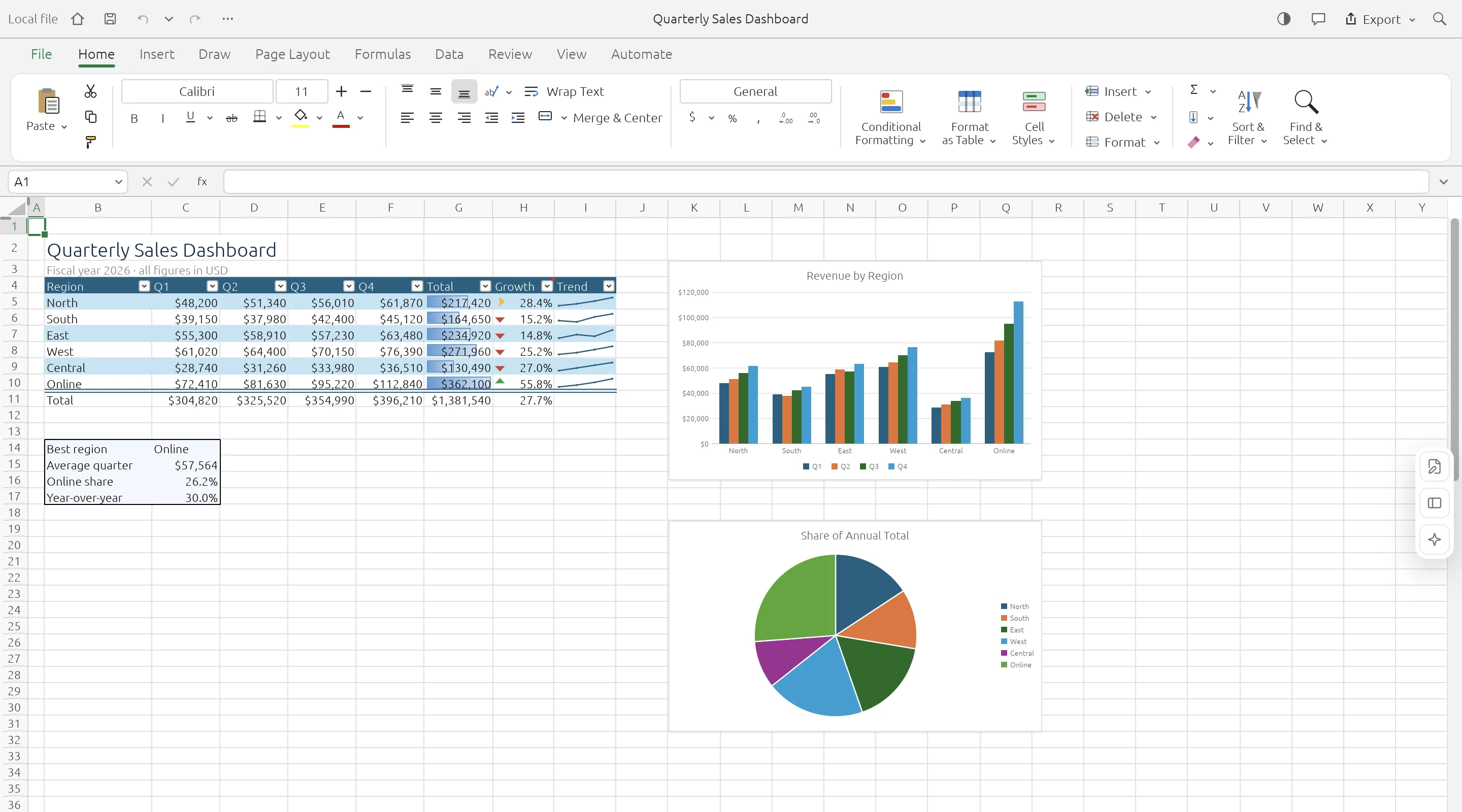
OPEN. WORK. DOWNLOAD.
One file. A familiar workspace.
No account required.
Open modern XLSX workbooks or inspect data from older XLS files using a browser-based spreadsheet engine. The workbook is read from your device into browser memory. ExcelCraft does not store a server copy, so you decide whether to download any changes.
- 01
Find your file
Choose a workbook from your device, or drag it onto the open area.
- 02
Open it locally
The browser reads the file and shows the workbook in the spreadsheet workspace.
- 03
Read, edit, or download
Inspect the sheets, make a quick change, and download a new copy if needed.
KNOW YOUR WORKSPACE
Useful by design.
Clear about the limits.
A real spreadsheet engine, with compatibility still growing. Keep your original workbook and check important data after editing or conversion.
GridCraft is in alpha. Read the engine’s compatibility notes
| IN YOUR WORKBOOK | WHAT TO EXPECT |
|---|---|
| Values & worksheets | Supported · Multiple sheets and cell data |
| Formulas & formatting | Supported · Compatibility varies by feature |
| Charts & workbook objects | Evolving · Check complex layouts |
| Legacy XLS files | Data import · Values, formulas, number formats |
| XLSB & ODS files | Saved values · Limited formula and style import |
| VBA macros | Not executed |
| Cloud save & collaboration | Not available · Download to keep your work |
A FEW PRACTICAL ANSWERS
Before you open
that workbook.
Your file stays local. Your original stays intact. Your next step stays simple.
How do I open an XLS file online?
Choose an XLS file using the button above. Its worksheet values, formulas, and number formats are imported locally.
Why is my file not opening?
The file may be corrupt, too large, encrypted, or use an unsupported feature. The launch limit is 20 MB. Try a smaller, unencrypted copy.
Can I open files from Google Drive?
Download a local workbook first, then open it here. ExcelCraft does not connect to cloud drives.
Is an internet connection needed?
It is needed to load the editor. Workbook processing then takes place on your device. Offline reopening is not currently guaranteed.